So, currently I have two clients I work with on an hourly basis. To avoid any questions from them about what and when I did work, I decided to create separate pages with all the necessary information for them.
These pages are generated based on contracts. Go to the contract → "client link" section — and configure everything there. What can be shared now:
— A complete list of completed tasks and meetings, with the ability to filter this list by dates, projects, meetings, and tasks. Of course, it shows how much time was spent for the period, how much money was earned, and all details in any breakdown (list, day, week, month);
— My availability calendar. It shows when I am available for calls and when I am busy. If the busy time relates to the current contract, you can get details about it. Otherwise, it simply displays as busy;
— A list of payments by contract. Here you can see whether someone owes me money for completed work or whether I owe hours for an advance payment already made.
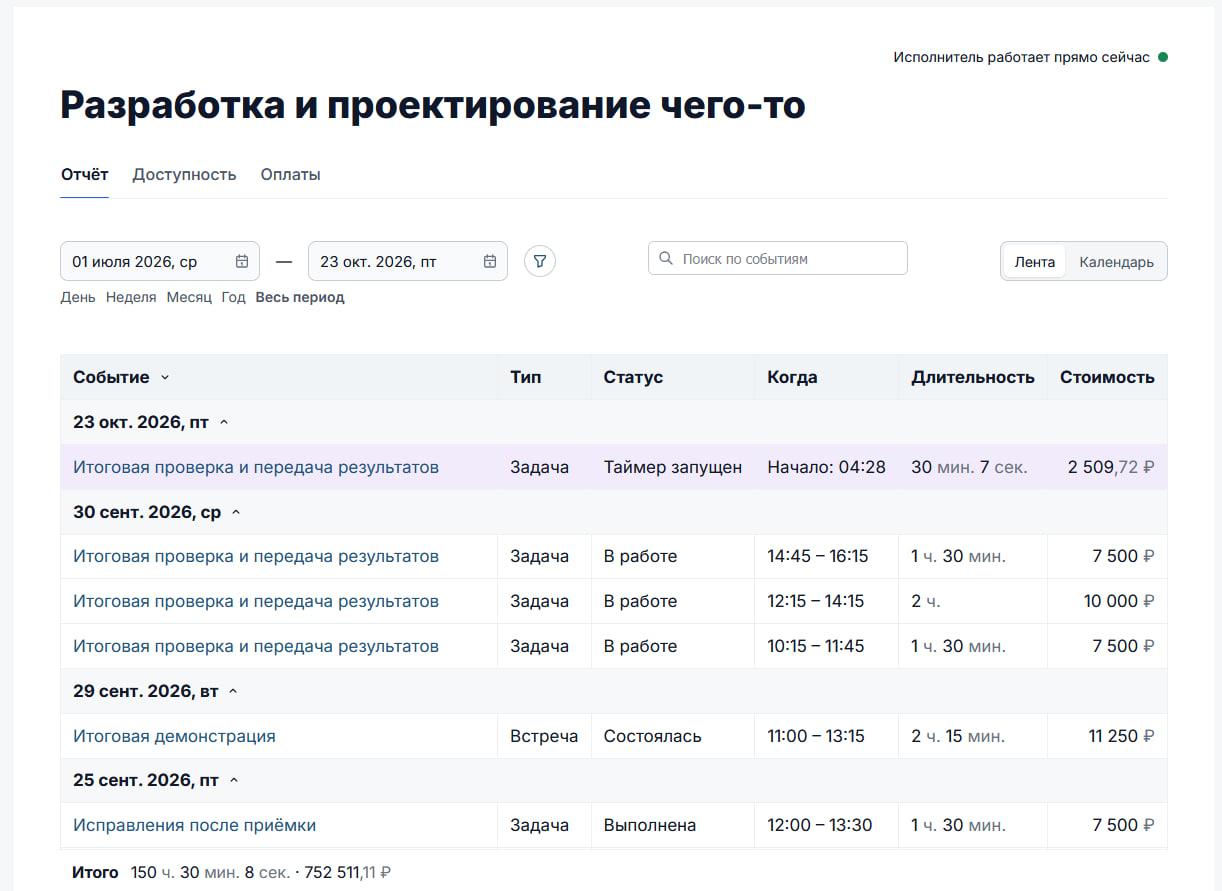
To make all this work, I introduced a new section: "My Calendar." While I'm still refining it, it currently lives under "Tools." Later it will move to the main menu and become one of the main tools. Here you can see all the information about how time is allocated for tasks and meetings from past and future. Also, you can manage your availability calendar — specify which hours I am free for meetings and when it is better not to disturb me. Based on this, I will create a consultation booking system and a widget for user websites.
I also had to adjust tasks separately. First, I added the possibility to specify which future time slots I plan to work on the task (i.e., reserve the calendar time specifically for task work). Second, you can assign a cost to the task. Sometimes simple tasks come up for which I charge separately, and it was inconvenient to record that in Norm CRM before. Now it’s easy!
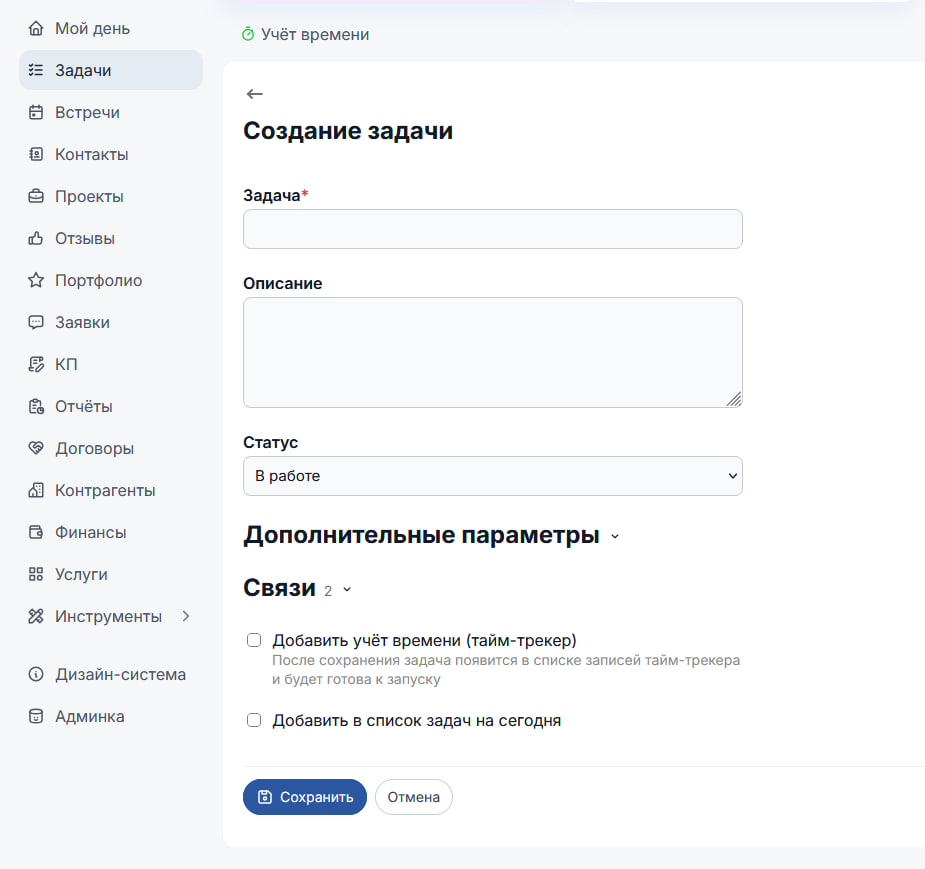
Since this overloaded the task editing form interface even more, I optimized it further and started to collapse both links and additional parameters into compact blocks. Now this form does not scare newcomers.
Also:
- In the "My Day" section, a "Earnings for the period" line appeared in the statistics block. Cool, now I can see every day how much money I earned today;
- Optimized UX/UI for reminders, quick actions, and link blocks;
- Accelerated preview and generation of user websites by 72 times.
Along the way, I completed another project in the last ten days, so progress on Norm CRM was slower than usual.